Why I Started Using This Tool
I kept seeing pin names like GPIO1_21 scattered across the AM335x datasheet and
BeagleBone Black schematics, and every tutorial online just told me to
echo 53 > export without explaining where 53 came from. I wanted
to actually understand the translation — from the chip vendor's pin nickname, to the number
the Linux kernel expects — instead of copy-pasting a magic number I couldn't reproduce for a
different pin. So I sat down with the AM335x TRM, the BeagleBone Black System Reference
Manual, and the board's four onboard USR LEDs, and worked the whole chain by hand.
What It Does
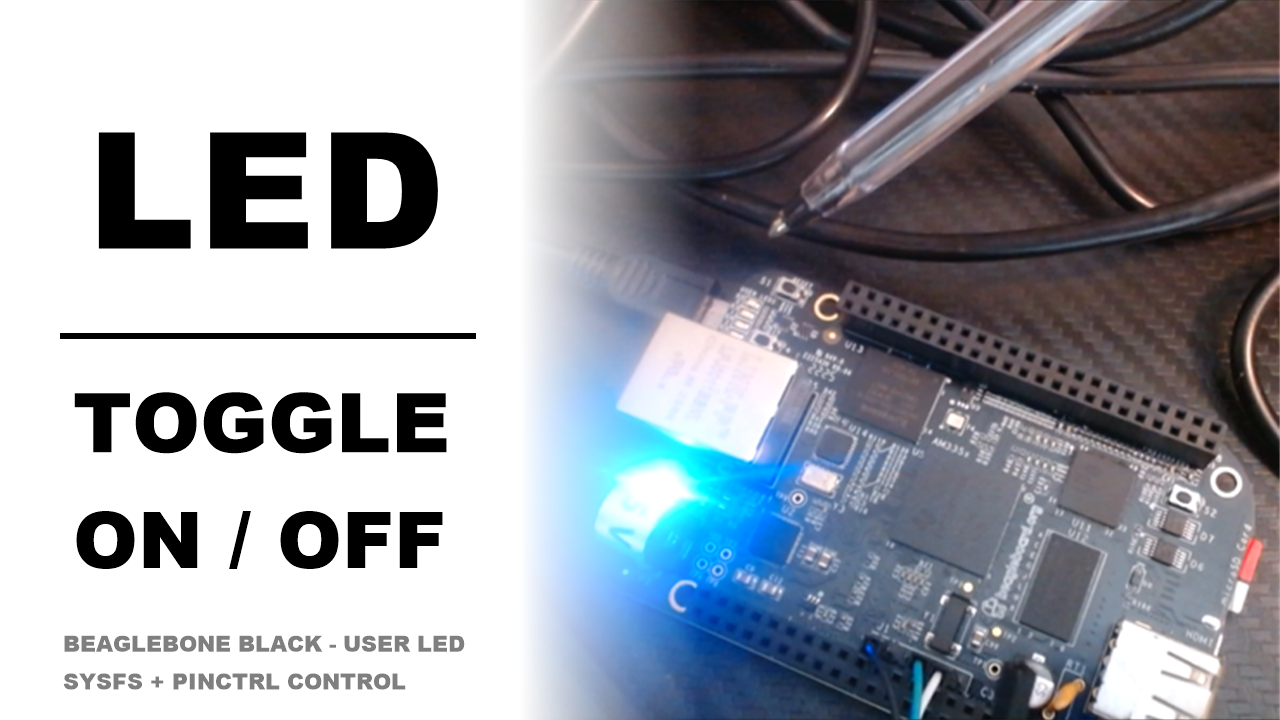
Here's the plain-English version: the BeagleBone Black has four onboard USER LEDs
(USR0–USR3), soldered directly to the board and wired straight to four pins on the AM335x
processor — no expansion header involved. Each of those pins has a datasheet nickname in the
form GPIOx_y (bank x, offset y), but Linux doesn't use
that nickname anywhere — it wants one flat integer. Once you know the conversion, you can
control any GPIO on the chip through two different kernel interfaces: the raw
/sys/class/gpio sysfs tree, or the friendlier /sys/class/leds
interface that's built specifically for LEDs.
- Datasheet cross-referencing — the BBB System Reference Manual schematic tells you which processor pin an LED is wired to; the AM335x TRM tells you that pin's
GPIOx_ynickname. Cross-referencing both gets you from "there's a blue LED on the board" toGPIO1_21. - One formula, every pin —
Linux GPIO number = (bank × 32) + offset. Since the AM335x has 4 banks of 32 pins each, this single formula converts anyGPIOx_ynickname into the number the kernel actually uses.GPIO1_21becomes(1×32)+21 = gpio53— that's USR0. - Two ways to flip the switch — raw
/sys/class/gpio/gpio53/valueif the pin is free, or/sys/class/leds/beaglebone:green:usr3/{trigger,brightness}if (like the USR LEDs) it's already claimed by theleds-gpiodriver.
The Walkthrough
Cross-referencing the SRM schematic against the AM335x TRM gives you this table for the four onboard LEDs:
| LED | Processor pin nickname (TRM) | sysfs LED class name |
|---|---|---|
| USR0 | GPIO1_21 | beaglebone:green:usr0 |
| USR1 | GPIO1_22 | beaglebone:green:usr1 |
| USR2 | GPIO1_23 | beaglebone:green:usr2 |
| USR3 | GPIO1_24 | beaglebone:green:usr3 |
Convert the nickname with the formula, and USR0's GPIO1_21 becomes:
GPIO1_21 => (1 × 32) + 21 => gpio53
The same formula converts any pin, not just LEDs — for example, GPIO1_28 (the
common P9_12 header pin used in "hello world" GPIO tutorials) becomes
gpio60.
To check that math against the live system:
cd /sys/class/gpio
ls
# export  gpiochip0  gpiochip32  gpiochip64  gpiochip96  unexport
echo 53 > export
ls | grep gpio53
Here's what tripped me up at first: on a stock Debian image, USR0–USR3 are already claimed by
the kernel's leds-gpio driver at boot — so echo 53 > export fails
with Device or resource busy. That's not a bug, it's the kernel telling you
someone already owns the pin. For LEDs, that "someone" hands you a nicer interface:
cd /sys/class/leds/beaglebone:green:usr3
cat trigger
# none rc-feedback ... heartbeat gpio [mmc1] cpu0 default-on
echo none > trigger      # take manual control
echo 1 > brightness      # LED ON
echo 0 > brightness      # LED OFF
cat trigger shows every automatic blink pattern the kernel supports, with the
active one in [brackets]. Setting it to none hands control over to
brightness, where 1 and 0 are simply on and off.
My Honest Pros & Cons
✅ What I Love
- The formula generalizes — once you know
(bank × 32) + offset, you can decode any AM335x pin from the datasheet, not just the four LEDs. - Two clean layers of control — raw GPIO for pins nothing else owns, and the LED class (
trigger/brightness) for pins that already have a purpose-built driver. Neither requires writing a line of C. - The
gpiochipNfolders self-check your math —gpiochip0,gpiochip32,gpiochip64,gpiochip96are literally the starting number of each bank, so if your conversion lands outside those ranges, you know immediately you made an arithmetic mistake.
❌ What Could Be Better
- "Device or resource busy" isn't self-explanatory — if you don't already know the
leds-gpiodriver has claimed the pin, that error message alone won't tell you to go look under/sys/class/ledsinstead. - The legacy
/sys/class/gpiointerface is on its way out — newer kernels are moving toward thelibgpiod/character-device GPIO API, so raw sysfs export is worth learning conceptually but isn't where new code should be built.
Pricing: Is It Worth It?
There's no dollar cost — everything here is built into the stock Linux kernel and Debian image that ships on the BeagleBone Black. The real cost is the few minutes it takes to read one table in the TRM and internalize one formula.
My take: it costs you a five-minute datasheet lookup and one multiplication, and in exchange
you never have to blindly copy a gpio53 from a forum post again — you can derive
it yourself for any pin on the chip.
Final Verdict
If you're doing any GPIO work on the BeagleBone Black or another AM335x-based board, learning
the (bank × 32) + offset conversion is one of the highest-leverage five
minutes you can spend — it turns every future datasheet pin name into a number you can use
immediately. Beginners should work through the USR LED example by hand at least once before
scripting anything. The only people who can skip this are those working entirely through a
higher-level board-support library that already hides the raw GPIO numbers from them —
everyone doing direct sysfs or pinctrl work will hit this conversion sooner or later.