Why I Started Using This Tool
After the first DE10-Nano episode, I realized I'd been talking about the board in the abstract — "it has an FPGA and an ARM processor" — without ever actually laying out what's physically on it. Before diving into project after project, I wanted a single reference point: what does this board actually offer, out of the box, and in what order does it make sense to learn it? So I went straight to the source — the official DE10-Nano User Manual — and catalogued every onboard peripheral myself.
What It Does
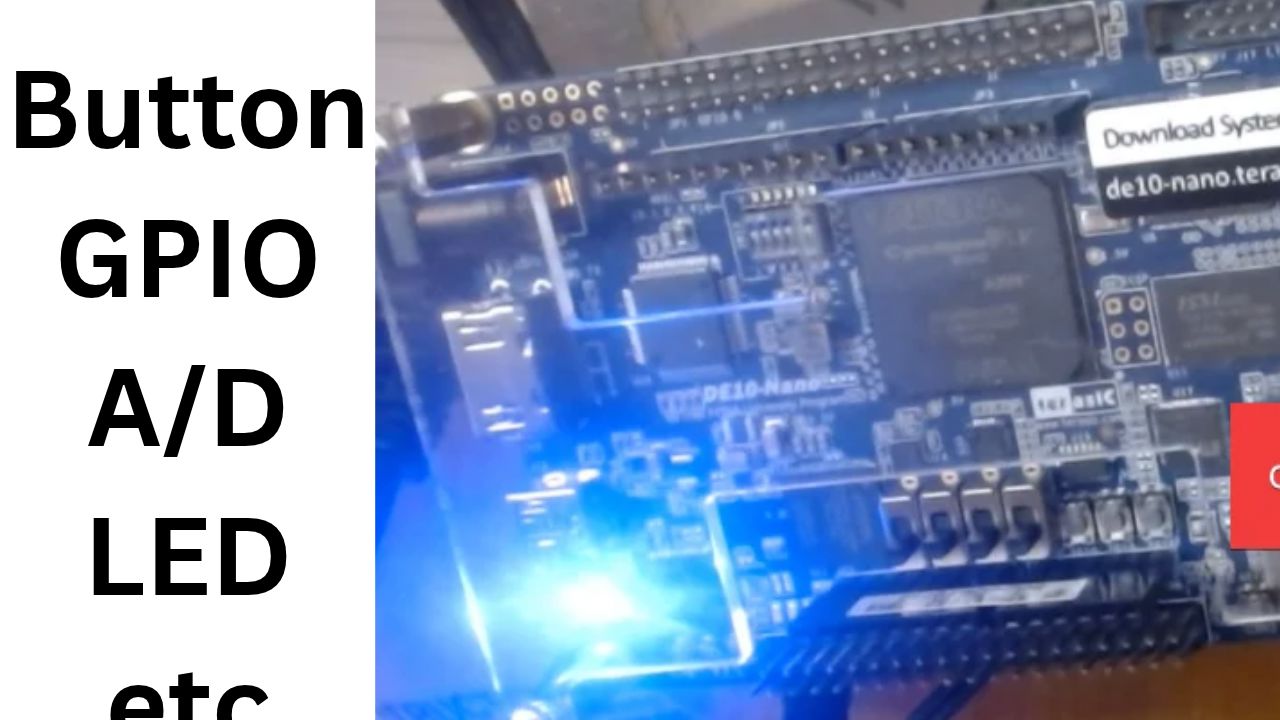
The User Manual splits everything on the board into two clean buckets: peripherals wired to the FPGA fabric (Section 3.6) and peripherals wired to the HPS, the onboard ARM processor (Section 3.7). On the FPGA side, you've got push-buttons, switches, LEDs, two 40-pin GPIO expansion headers, an Arduino-compatible header, an onboard ADC chip, and full HDMI output. On the HPS side, there's a separate button and LED, a UART console connection, a 3-axis accelerometer, Gigabit Ethernet, a Micro SD card socket for booting Linux, USB OTG, and a chunk of DDR3 RAM. There's also a small set of board-level extras — status LEDs, two dedicated reset buttons, and the onboard clock generator — that round out the picture. Going through all of it with page numbers in hand turned a vague "this board has a lot of stuff on it" impression into an actual ranked list I can build a series around.
Final Verdict
Doing this inventory before touching a single project was worth the hour it took. It turned "the DE10-Nano is powerful" into a concrete, page-referenced list I can point back to every time I plan the next video, and it made the natural teaching order obvious — start with buttons and LEDs, build up through the ADC and accelerometer, and save Ethernet, HDMI, and USB for once the fundamentals are solid. If you're picking up a new board yourself, I'd genuinely recommend doing this exercise first: open the manual, find the peripherals section, and just list everything out before you write any code. It saves you from randomly bouncing between projects and gives you a real roadmap instead.